Oncepik: Productivity Tool Boosts Creativity and Collaboration
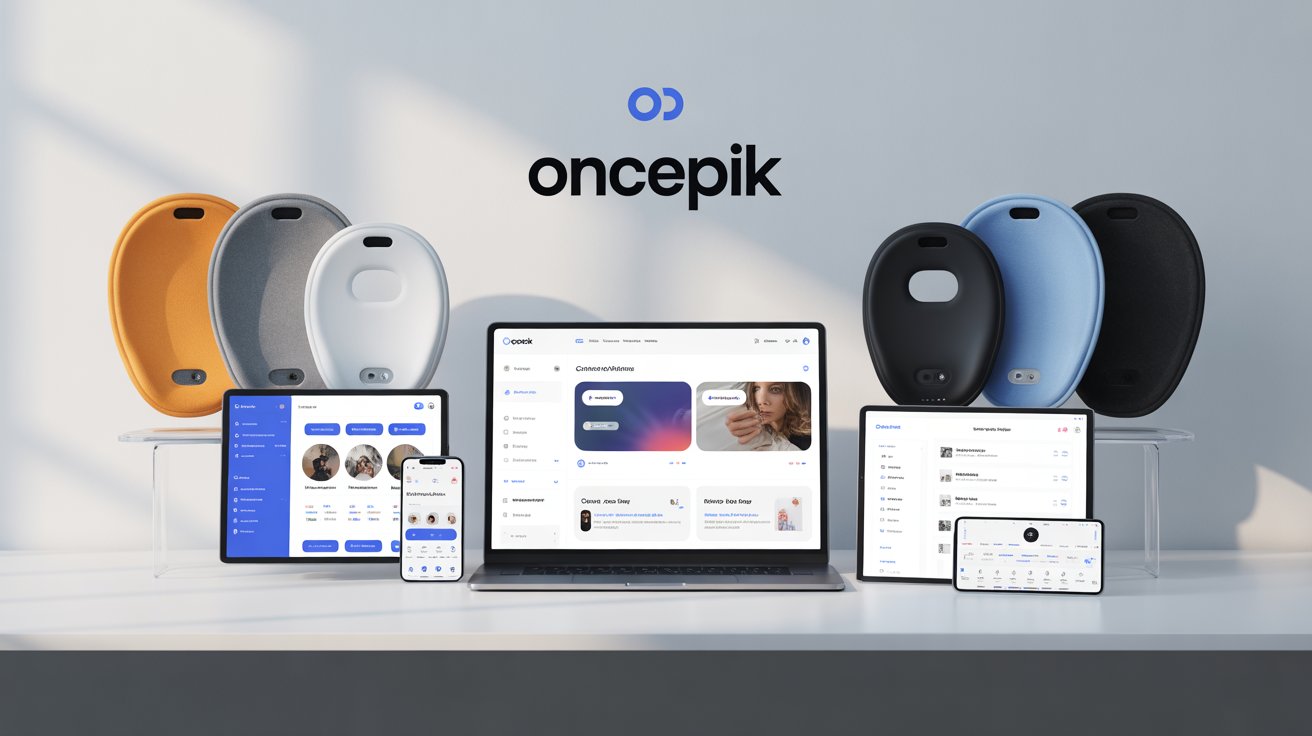
Oncepik is transforming the way we manage, create, and share information in today’s fast-paced digital world. Articles, videos, notes, ideas, and memories accumulate across devices, apps, and platforms, making it easy to feel overwhelmed. Important links get lost, creative ideas slip away, and precious memories fade into forgotten files. Managing all this scattered information can be exhausting, leaving users frustrated and disorganized.
It solves this problem by offering an all-in-one platform that combines productivity, creativity, bookmarking, and memory-sharing in a single, intuitive space. It empowers individuals, teams, creatives, students, and professionals to take control of their digital lives with ease.
What is Oncepik?
It is a visual-first productivity, collaboration, bookmarking, and memory-sharing platform designed to bring clarity and efficiency to your work and personal life. Unlike traditional tools that rely on lists or text-heavy interfaces, Oncepik focuses on visual organization, making it easier to understand, manage, and execute tasks.
The platform combines multiple digital workflows into one intuitive, visually engaging space, allowing users to manage projects, collaborate in real-time, save important links, and capture memorable moments—all in one place.
At its core, its mission is simple: simplify, organize, and enhance user workflows and experiences, making digital life less cluttered and more productive.
Key Features of Oncepik
Visual Workspace and Productivity Tools
Its visual workspace is the heart of the platform. Users can create visual boards with flexible layouts and interactive spaces that make managing projects and ideas intuitive.
Key productivity features include:
- Task and Project Management: Create tasks, set deadlines, track progress, and assign responsibilities to team members.
- Templates: Jumpstart projects with pre-built boards for project planning, content calendars, and brainstorming sessions.
- Smart Automation: Suggested task organization, automatic layout adjustments, and smart grouping of related items to save time and reduce manual effort.
Real-Time Collaboration
Oncepik is designed for modern teamwork, supporting remote and hybrid collaboration seamlessly.
Collaboration tools include:
- Shared Workspaces: Team members can work together in real-time on tasks and projects.
- Live Updates and Comments: Track project changes, leave feedback, and maintain version control.
- Interactive Task Discussions: Keep communication clear, reducing the back-and-forth of emails or messaging apps.
Creativity Enhancement Tools
Creativity is central to Oncepik’s design. The platform encourages users to think visually and explore ideas freely.
Creativity features include:
- Drag-and-Drop Editors: Easily arrange content, move ideas, or adjust project layouts.
- Customizable Templates: Tailor boards to fit unique workflows, campaigns, or creative projects.
- Multimedia Support: Incorporate images, videos, and text to make projects dynamic.
- Gamified Engagement: Earn badges, complete challenges, and track progress to boost motivation.
- Inspiration Feeds and Community Discovery: Browse creative ideas from the community for new insights.
Bookmarking and Knowledge Management of Oncepik
It goes beyond task management by providing a smart bookmarking system for organizing important digital content.
Bookmarking features include:
- Efficient Link Management: Save and categorize links with folders and tags.
- Cross-Device Synchronization: Access bookmarks from smartphones, tablets, or computers.
- Collaborative Bookmarking: Share links with teams or study groups for project-based research.
- Browser Extension: Save links with a single click while browsing the web.
Memory and Photo Sharing
Oncepik also excels in capturing and sharing life’s moments, combining photo storage with collaboration.
Memory-sharing features include:
- Real-Time Capture: Take photos or videos directly in the app.
- Collaborative Albums: Multiple users can contribute to group events or shared projects.
- Editing Tools: Apply filters, templates, and visual enhancements to photos.
- Customizable Storage: Choose between cloud or local storage options.
- Secure Storage: Encrypted privacy settings keep your memories safe.
Benefits of Using Oncepik
Using it offers a range of benefits that improve productivity, creativity, and organization:
- Improved Productivity: Consolidates tools in one platform, reducing app-switching and saving time.
- Better Team Communication: Visual boards and live updates enhance clarity and reduce misunderstandings.
- Enhanced Creativity: Flexible layouts, drag-and-drop tools, and gamified features encourage brainstorming and idea exploration.
- Streamlined Knowledge Management: Easily store, tag, and retrieve bookmarks and research materials.
- Simplified Memory Sharing: Organize, edit, and share photos or albums effortlessly with friends, family, or colleagues.
- Cross-Device Access: Seamlessly work from any device, ensuring productivity on the go.
Use Cases and Target Audiences of Oncepik
Its versatility makes it suitable for a variety of users:
- Individuals: Daily task management, personal planning, bookmarking, and capturing personal memories.
- Teams & Businesses: Project planning, workflow organization, content calendars, and collaborative tasks.
- Creative Professionals: Designers, marketers, writers, and content creators can brainstorm, manage projects, and produce content.
- Students & Educators: Study planning, research projects, group collaboration, and learning organization.
- Families & Social Users: Capture events, share moments, and maintain collaborative photo albums.
How Oncepik Stands Out
In a crowded market of productivity and collaboration tools, it distinguishes itself by combining multiple functionalities into a single, visually engaging platform. Here’s how it compares to some popular alternatives:
- Vs. Asana and Trello: While Asana and Trello excel at task management, it goes a step further by adding visual creativity and content creation directly into project workflows. Users can organize tasks on interactive boards, attach multimedia, and brainstorm ideas without switching apps.
- Vs. Notion: Notion is renowned for knowledge management, but it can feel text-heavy and static. Oncepik’s dynamic layouts and gamified features make it more engaging for creative workflows, helping teams and individuals stay motivated while managing complex projects.
- Vs. Substack and Discord: These platforms are niche-focused—Substack for newsletters, Discord for community chats. It, however, offers an all-in-one solution, integrating productivity, collaboration, bookmarking, and memory-sharing in one cohesive workspace.
Unique Selling Point: It is not just a productivity tool—it’s a comprehensive platform that unifies task management, creative expression, digital organization, and memory sharing, making it a unique choice for individuals, teams, and creatives alike.
Tips and Best Practices of Oncepik
Maximizing its potential requires a few strategic approaches:
- Start with Templates: Use pre-built boards for projects, content planning, or brainstorming to save time and get organized quickly.
- Organize with Folders and Tags: Whether managing bookmarks, tasks, or memories, categorize everything for easy retrieval. Tags make it simple to filter content efficiently.
- Assign Roles and Responsibilities: For teams, clearly define task ownership to avoid confusion and ensure accountability.
- Review and Declutter Regularly: Periodically clean up completed tasks, outdated bookmarks, or old memory albums to maintain clarity.
- Leverage Automation Features: Set up automated reminders, suggested task organization, or layout adjustments to save time and reduce repetitive work.
- Use Discovery Tools for Inspiration: Explore community feeds, topic suggestions, and shared boards to spark creativity and generate new ideas.
Challenges and Solutions
While Oncepik is versatile, new users may encounter some challenges:
- Learning Curve: The platform’s visual-first interface may take time to master.
- Solution: Utilize onboarding tutorials, help guides, and community support to get up to speed.
- Integration with Existing Tools: Teams often rely on multiple apps.
- Solution: Take advantage of its APIs and third-party integrations, including Slack, Google Drive, and calendar apps, to maintain seamless workflows.
- Maintaining Consistency: Staying consistent in posting content or updating boards can be difficult.
- Solution: Use editorial calendars, automated reminders, and gamified engagement features to encourage regular activity.
- Managing Flexibility: The highly customizable layouts can feel overwhelming.
- Solution: Define clear structures for boards, folders, and tasks to balance freedom with organization.
Success Stories and Testimonials
Many users have shared inspiring stories that showcase the real-world impact of Oncepik:
- Weddings: Couples used collaborative albums to gather real-time photos from guests, capturing every perspective of their special day.
- Travel Adventures: Frequent travelers organized memories from multiple cities into cohesive albums, transforming trips into shareable stories.
- Business Projects: Teams used it for project planning and brainstorming, integrating bookmarks, tasks, and visual content in one workspace to improve efficiency and creativity.
These testimonials demonstrate how it combines workflow management, bookmarking, and memory-sharing to enhance productivity, creativity, and collaboration.
Future Potential
It is continuously evolving to meet modern digital needs:
- AI-Driven Content Curation: AI could suggest task prioritization, automated tagging, or content recommendations to streamline workflows.
- Advanced Collaboration Tools: Enhanced shared workflows and collaborative albums will allow teams and families to work together seamlessly.
- Augmented Reality (AR) Experiences: Users may soon view memory albums or project boards in immersive 3D environments.
- Expansion Across Devices and Platforms: Improved mobile and desktop accessibility will allow users to work, create, and share from anywhere.
- Broader Impact: It is poised to become a central tool in creative, educational, and professional ecosystems, enhancing productivity, organization, and collaboration worldwide.
Conclusion
It is more than just a productivity tool—it’s a versatile platform that integrates creativity, efficiency, collaboration, bookmarking, and memory-sharing into a single digital ecosystem.
By offering visual boards, real-time collaboration, smart automation, multimedia support, and cross-device access, Oncepik empowers individuals, teams, and creatives to stay organized, inspired, and connected.
Whether you’re managing projects, curating bookmarks, or capturing precious memories, it provides the tools to do it all effortlessly.














Post Comment