Privacy Protection Guide: Securing Your Data with IObit Malware Fighter
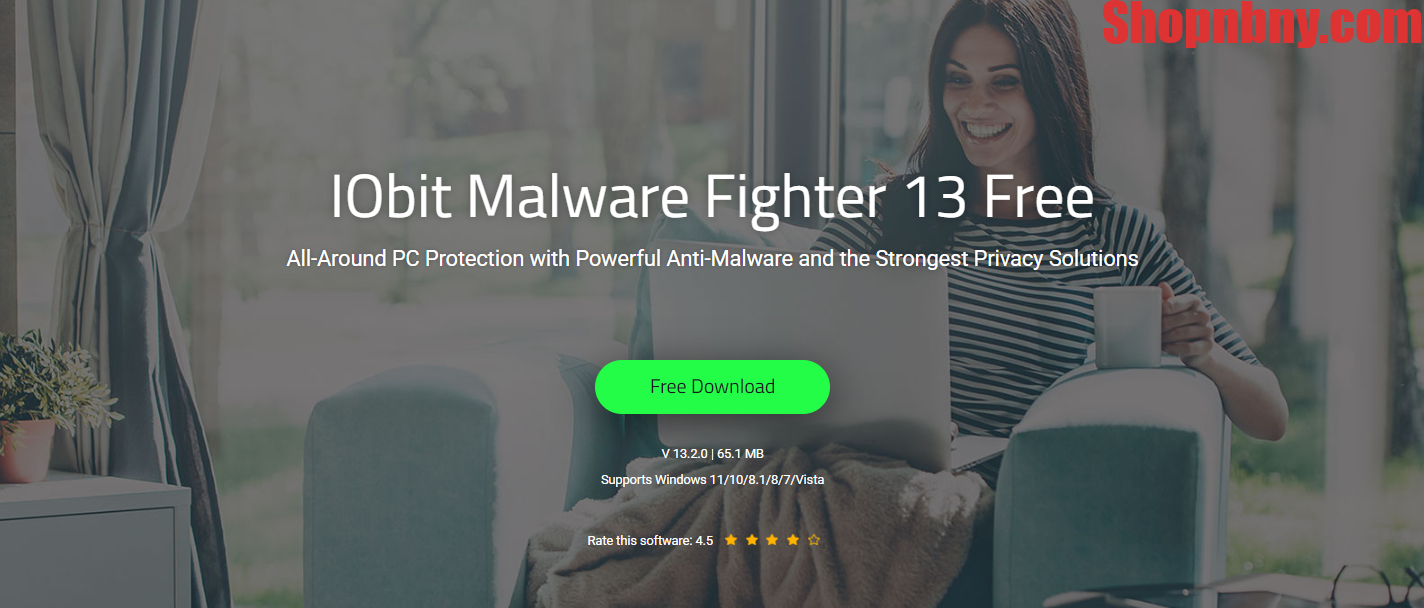
As digital activity becomes central to everyday life, personal data is constantly exposed to potential threats. From login credentials to financial records, sensitive information can be targeted by malware, spyware, and online tracking technologies. Protecting this data requires more than basic antivirus software—it calls for a comprehensive security approach.
IObit Malware Fighter is designed to meet this need by combining threat detection, privacy protection, and system optimization into a single solution. This guide explains its value, capabilities, and practical usage.
Understanding IObit Malware Fighter
IObit Malware Fighter is a security tool focused on defending both systems and user privacy. It identifies and removes a wide range of threats, including ransomware, spyware, trojans, adware, and phishing attempts.
Rather than relying solely on signature-based detection, it incorporates behavior analysis, real-time monitoring, and browser-level protection. This broader strategy allows it to address both known and emerging threats more effectively.
The Growing Importance of Privacy Protection
Online environments are increasingly data-driven, making personal information a valuable target. Individual users are often more vulnerable due to limited security awareness or inadequate protection tools.
Common risks include:
- Unauthorized access to personal or financial data
- Continuous tracking of online behavior
- Identity misuse based on stolen information
- Reduced system performance caused by malicious activity
A dedicated privacy-focused security tool helps reduce exposure to these risks and strengthens overall digital safety.
Key Advantages
- Integrated protection model: Combines security, privacy defense, and performance enhancement
- Tracking prevention: Limits data collection by blocking trackers and monitoring scripts
- Immediate threat response: Detects and stops suspicious activity in real time
- System efficiency improvements: Remove unnecessary files and optimize processes
- Safer web activity: Filters harmful websites, downloads, and phishing attempts
- External device monitoring: Scans removable storage to prevent infection
- Accessible design: Suitable for users with varying technical experience
- Low system impact: Maintains performance while running in the background
- Ongoing threat intelligence updates: Adapts to newly emerging risks
- Cost-effective protection: Provides essential features without requiring payment
Feature Overview
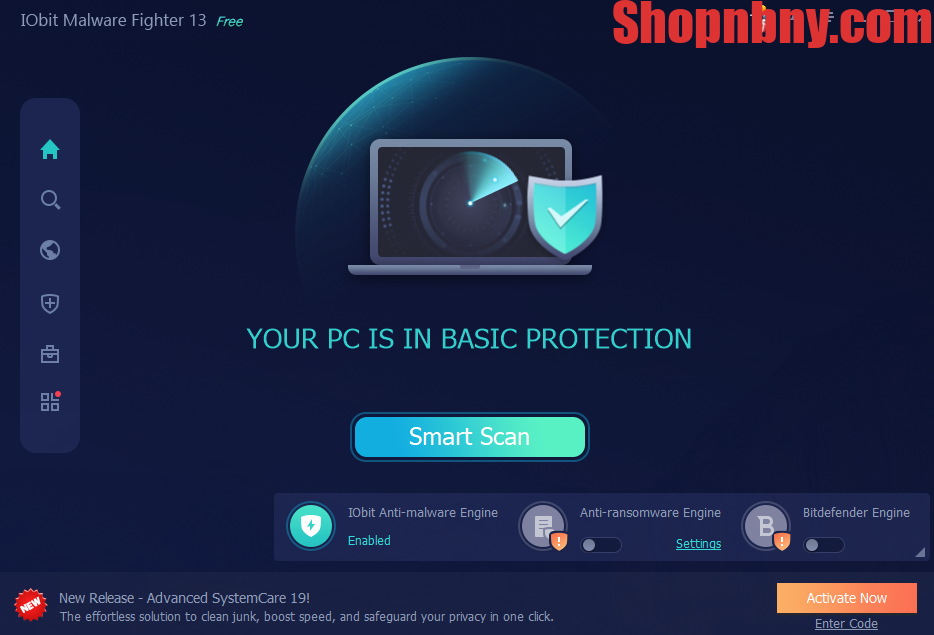
Continuous Threat Monitoring
The software actively observes system activity and blocks threats at the moment they appear, reducing the chance of infection.
Flexible Scanning Options
Users can initiate scans at any time, targeting either the entire system or selected files.
Quick System Check
A fast scan focuses on critical areas where threats are most likely to appear, making it suitable for routine use.
Comprehensive Analysis
A deeper scan reviews the full system environment to uncover hidden or advanced threats.
Disk Cleanup
Temporary and redundant files are removed to free up storage and improve responsiveness.
Performance Tuning
System configurations are adjusted to ensure smoother operation while maintaining security.
Privacy Safeguards
The program restricts tracking activities and protects sensitive data from unauthorized access.
Practical Usage Guide
- Installation
Download and install the software from the official source, then open the main interface. - Initial System Check
Run a scan to identify existing risks and address any issues. - Activate Real-Time Defense
Ensure continuous protection is enabled for automatic threat interception. - Secure Browsing
Turn on browser protection to block malicious websites and tracking elements. - Protect External Devices
Enable automatic scanning for USB drives and other external storage. - Monitor Application Behavior
Use behavior analysis to detect unusual program activity and prevent unknown threats. - Automate Maintenance
Schedule regular scans to keep the system consistently protected.
Data Protection Mechanism
IObit Malware Fighter uses multiple layers of defense to secure sensitive information:
- Prevents spyware from collecting personal data
- Restricts unauthorized access to system resources
- Blocks tracking technologies embedded in websites
- Identifies keylogging attempts targeting user input
This layered approach improves protection reliability, especially for users handling confidential data.
Recommended Users
This software is particularly suitable for:
- Individuals seeking stronger privacy protection
- Remote workers and students managing important files
- Users who frequently conduct online transactions
- Systems affected by slow performance due to hidden threats
Its balance of automation and control makes it adaptable to different usage needs.
Conclusion
With the increasing complexity of digital threats, relying on basic protection is no longer sufficient. A more comprehensive solution is required to address both security risks and privacy concerns.
IObit Malware Fighter is a free antimalware that delivers this through integrated protection, real-time monitoring, and system optimization. When used consistently, it significantly reduces exposure to data theft, tracking, and malware-related issues—helping users maintain a safer and more controlled digital environment.













Post Comment